Getting Started
Overview
ChottuLink onboarding helps you set up your link domain, choose where you want deep links to work, and define a safe fallback experience for users who don’t have your app installed.
In a few minutes, you’ll have:
- A free default ChottuLink sub-domain for short links (e.g.
yourbrand.chottu.link) - Deep link configuration for Web, Android and/or iOS
- A web fallback URL for users who can’t open the app
Before you begin
Before starting the steps in this guide, you must Create an Account on ChottuLink Dashboard.
When you register, you are auto enrolled to a Free Plan. Learn more on our billing page.
Onboarding steps
Some steps will require help from developers or other members of your team — this guide will point out when that is the case.
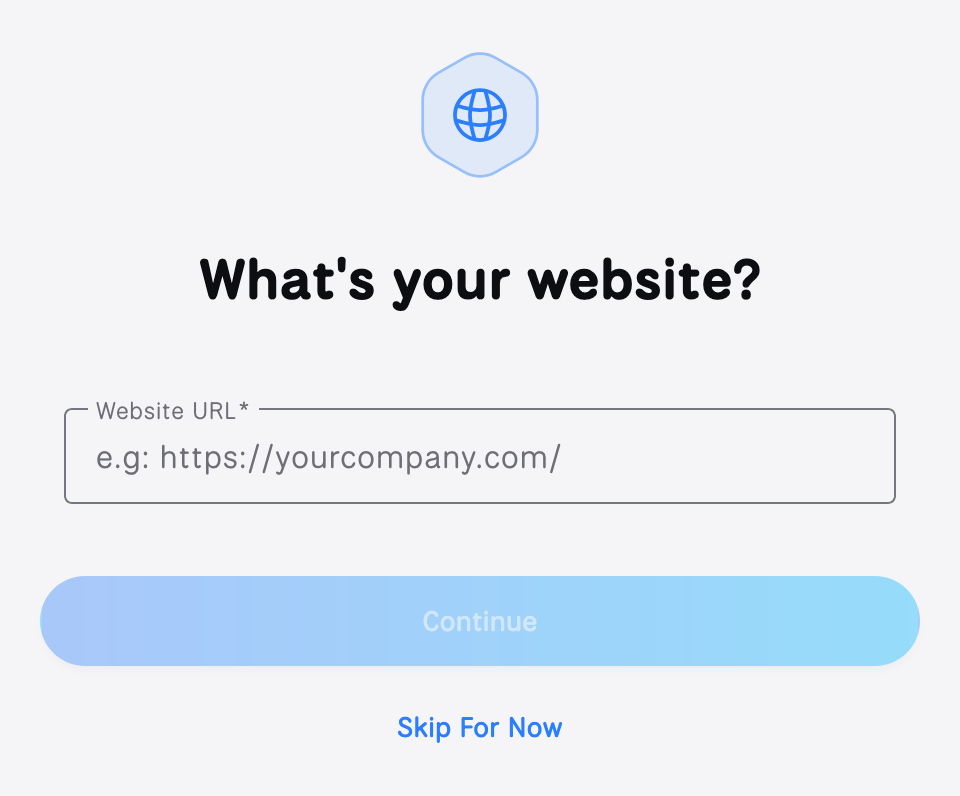
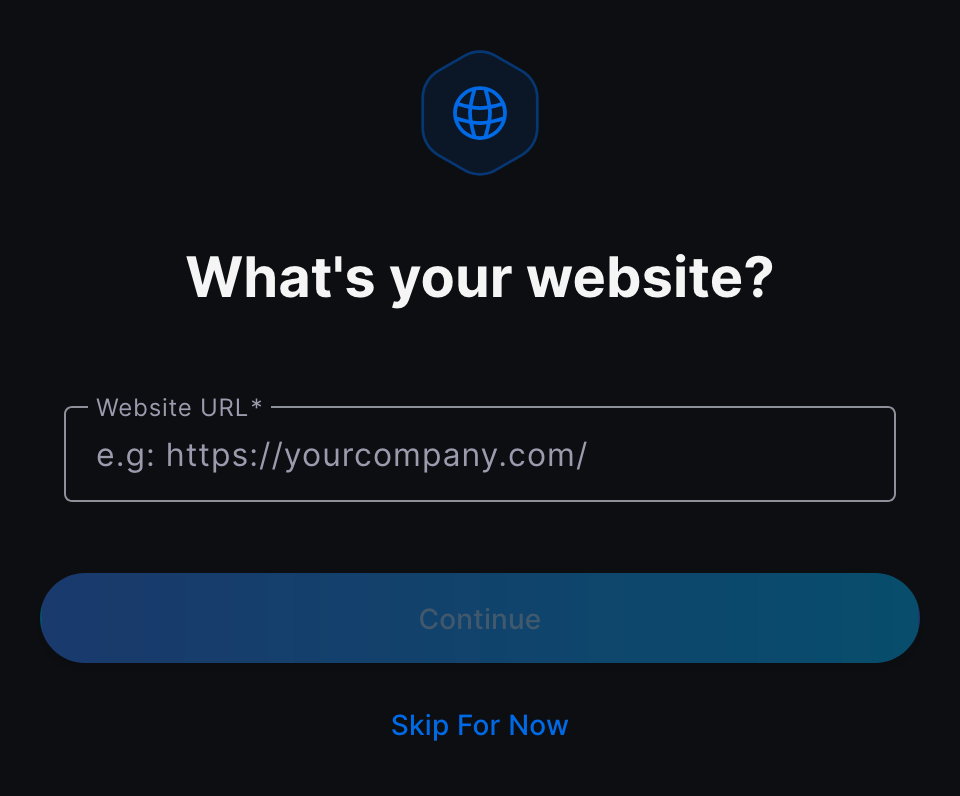
Step 1: Add your website
Tell us your company or brand website. We use this to better tailor defaults (like fallback suggestions) and to keep your organization setup consistent.
- Company / brand website URL: e.g.
https://example.com
Step 2: Create your organization & claim a free subdomain
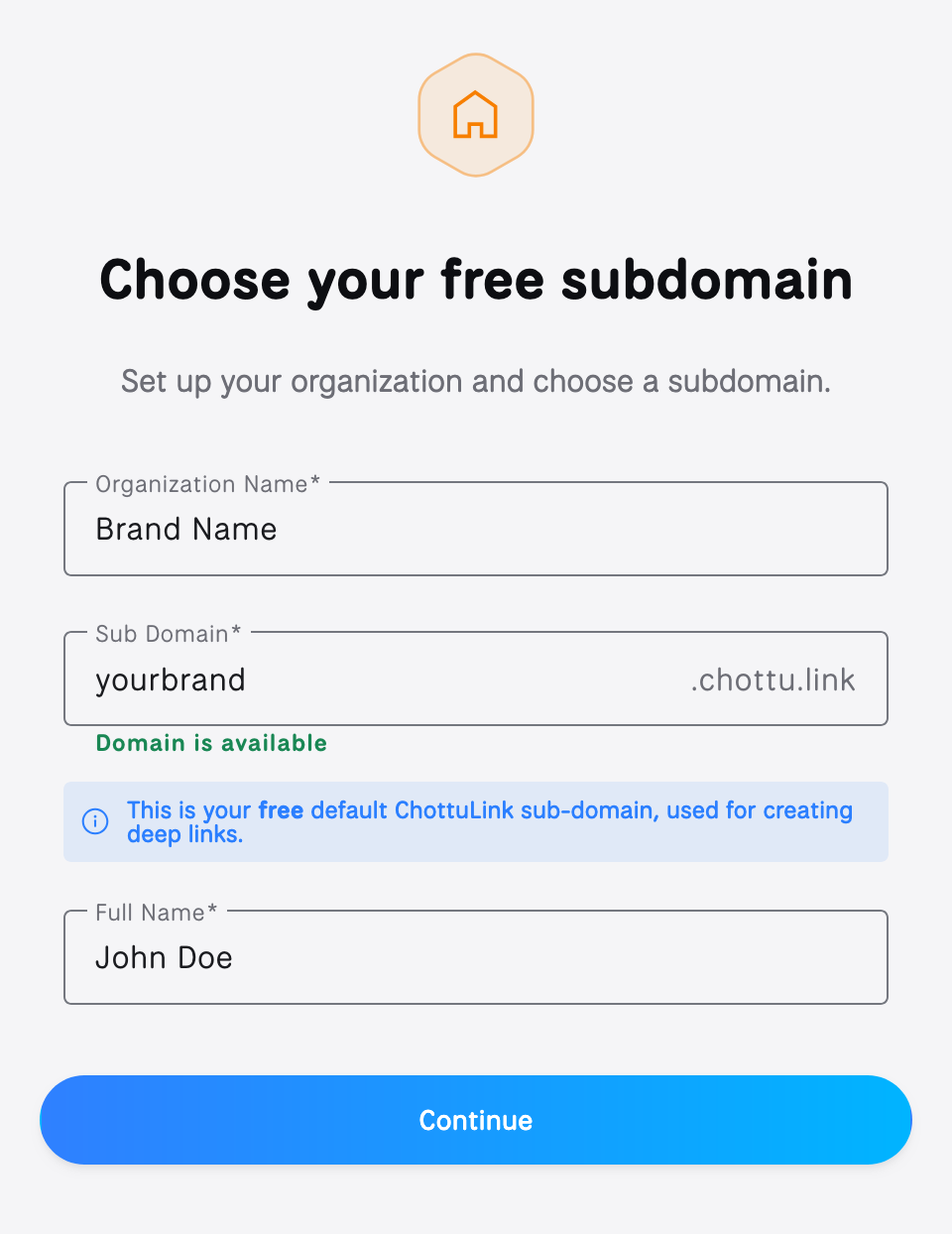
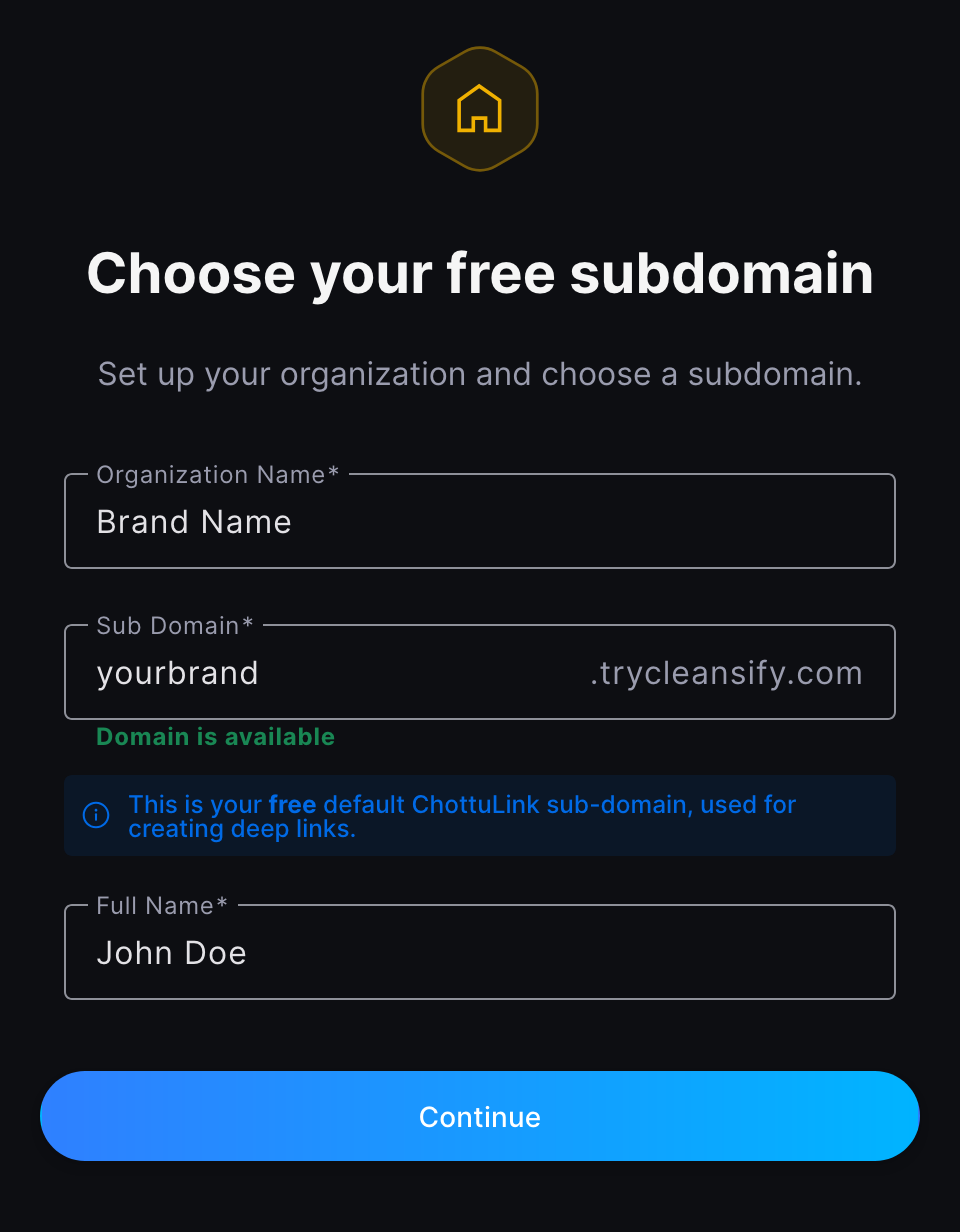
Set up your organization and choose the default domain used for your ChottuLink short links.
- Brand / organization name: e.g.
Example Inc - Subdomain (auto-suggested, editable): e.g.
example→example.chottu.link - Your full name: used for workspace identity and admin settings
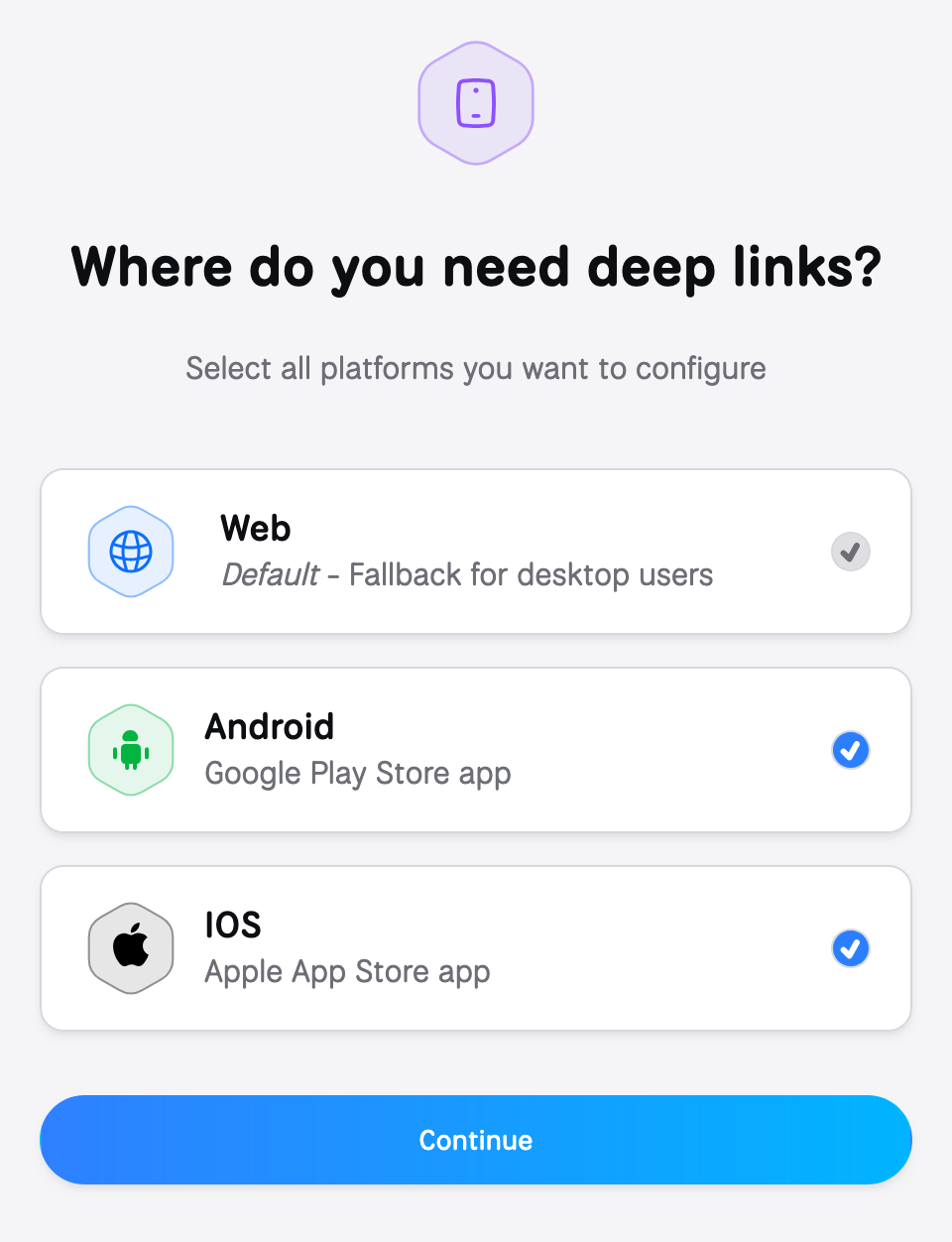
Step 3: Choose where you’ll use deep links
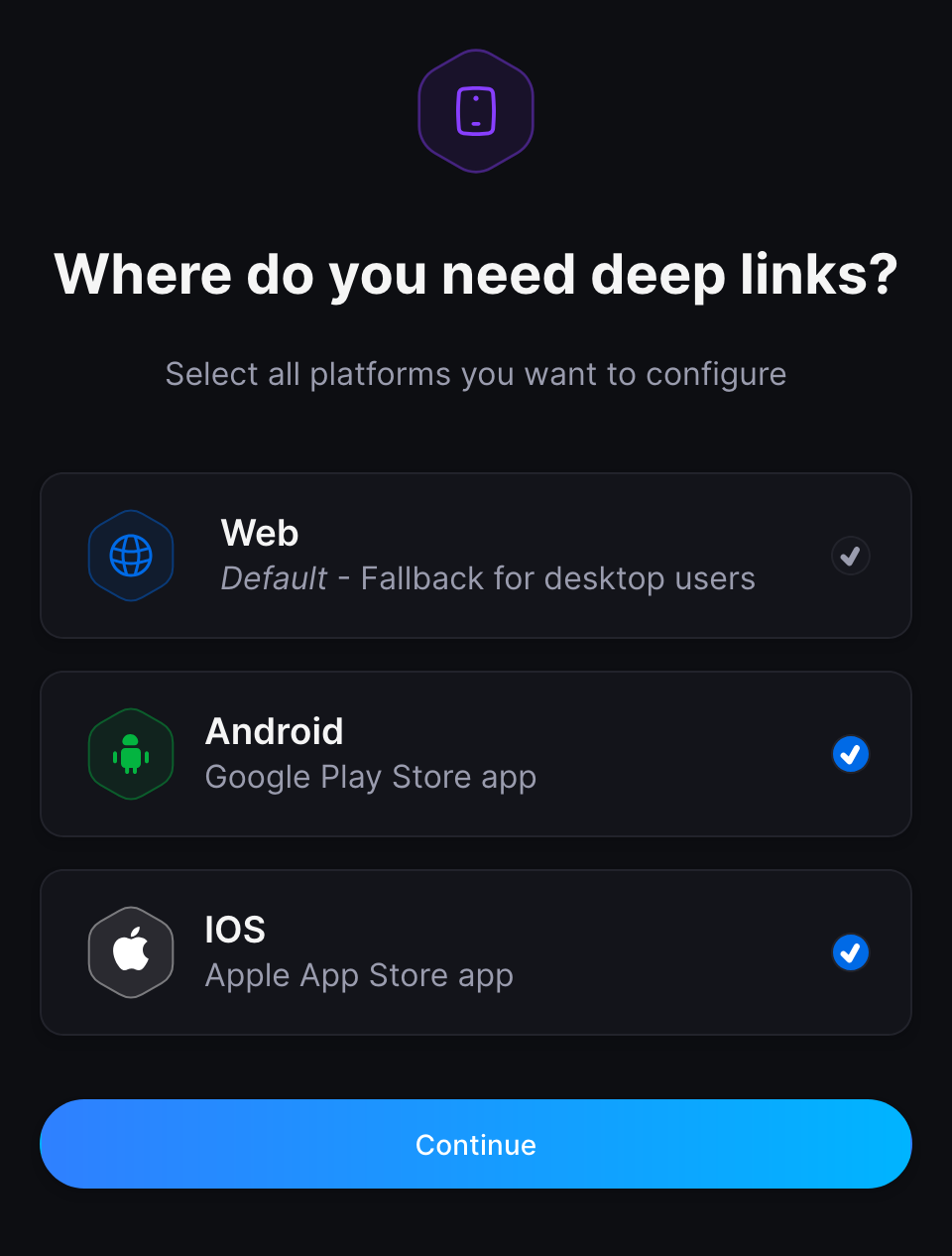
Select all platforms you want to configure right now.
- Web is selected by default
- Android and iOS are optional — if you select them, you’ll be prompted to connect your apps in the next steps
Step 4: Connect your Android app (optional)
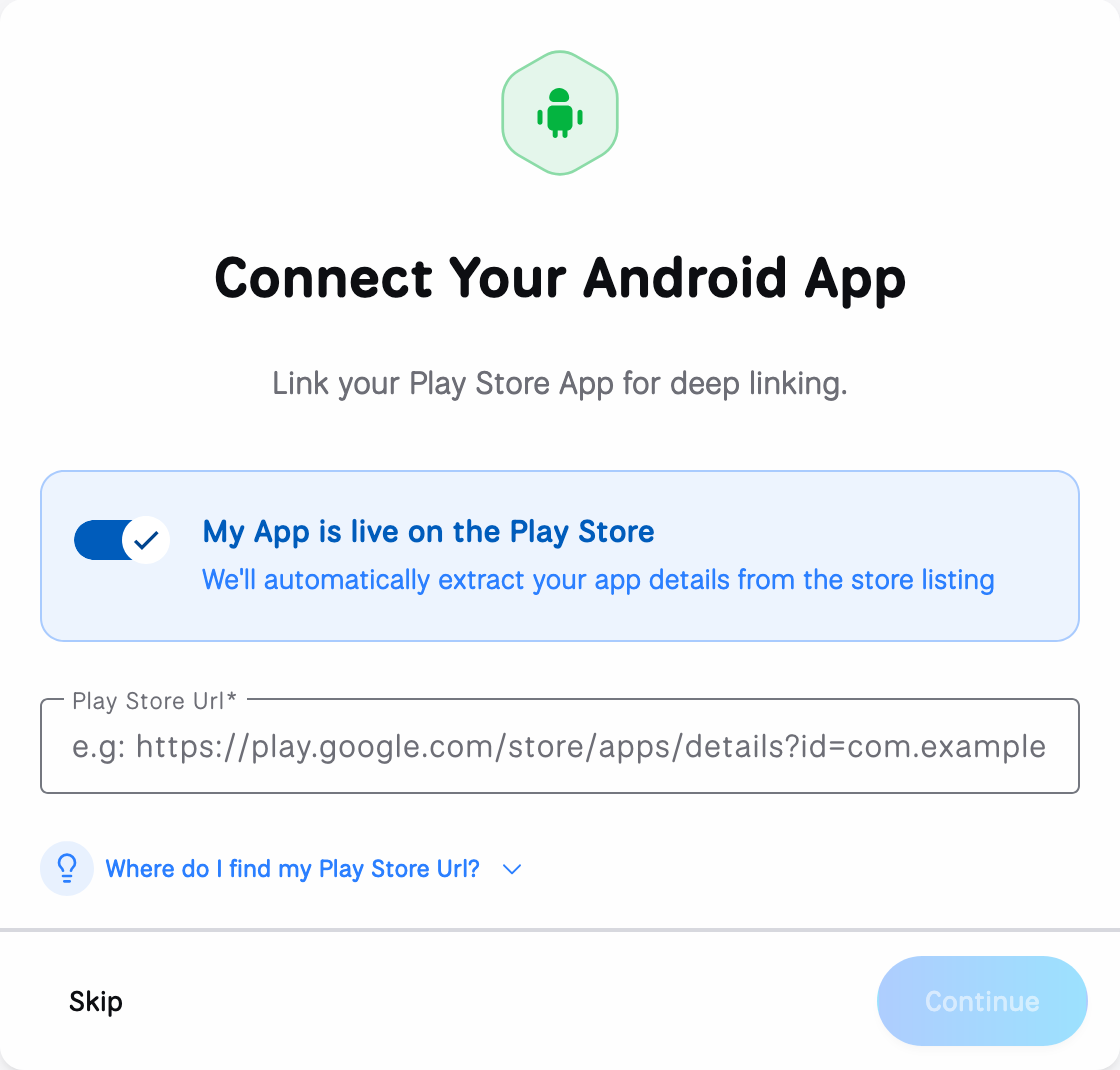
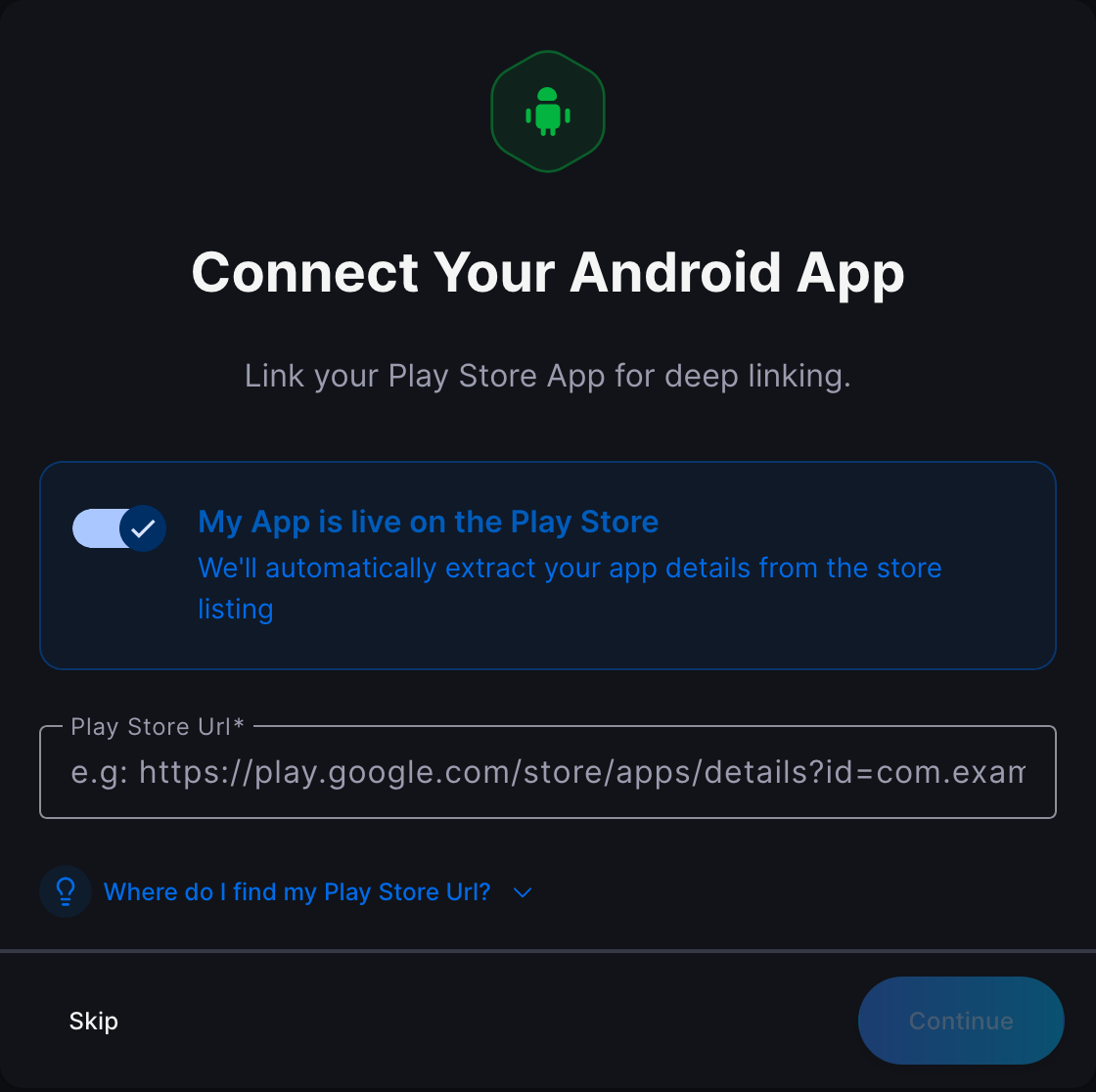
Link your Play Store app for Android deep linking. This enables ChottuLink to route users into your Android app when possible.
You can connect Android using either option:
- Play Store URL (recommended): use this if your app is already live on Google Play.
- Package name (manual): use this if your app is not live yet (or you don’t have a Play Store listing). Enter your application ID (e.g.
com.example.app).
For developer setup and verification, see Android Integration.
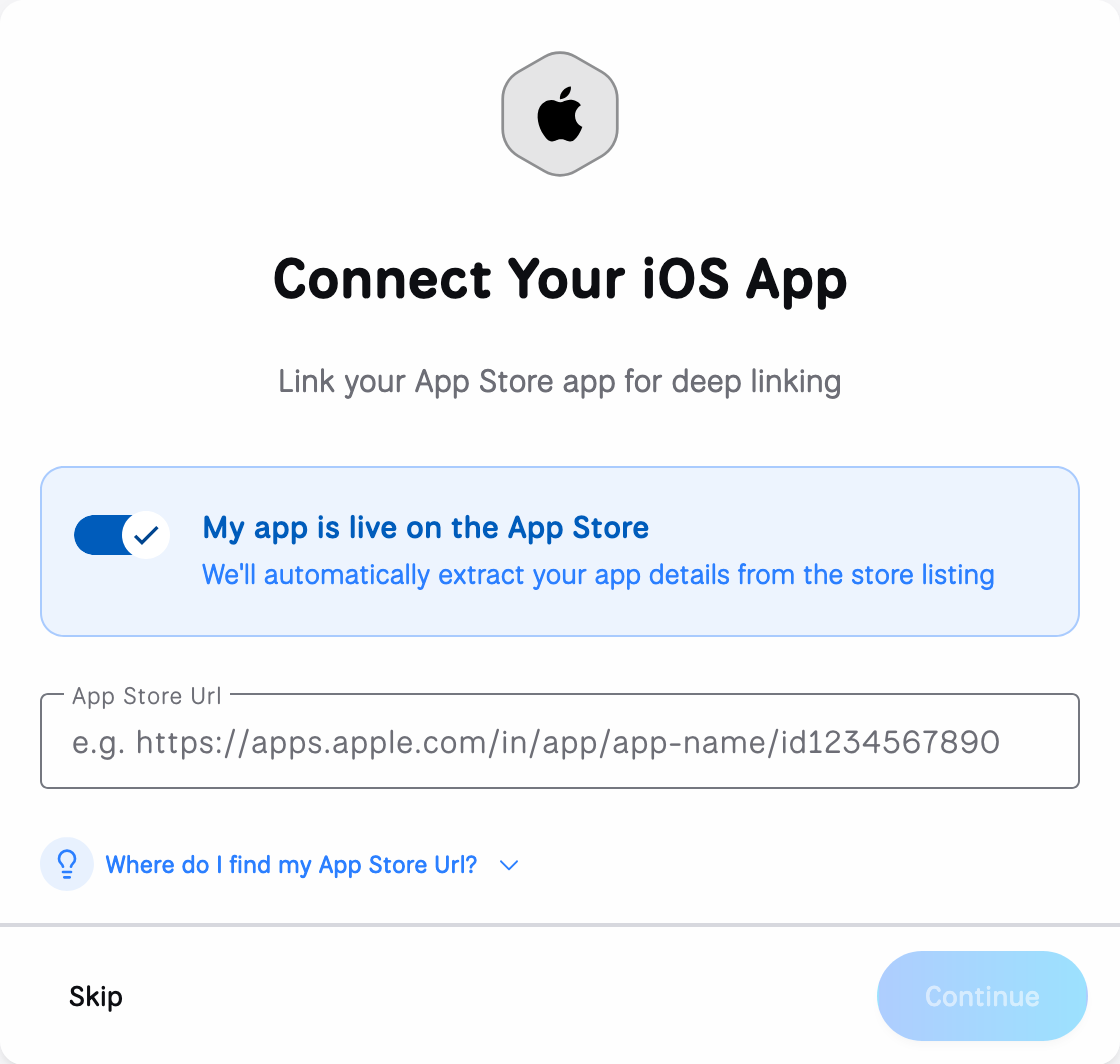
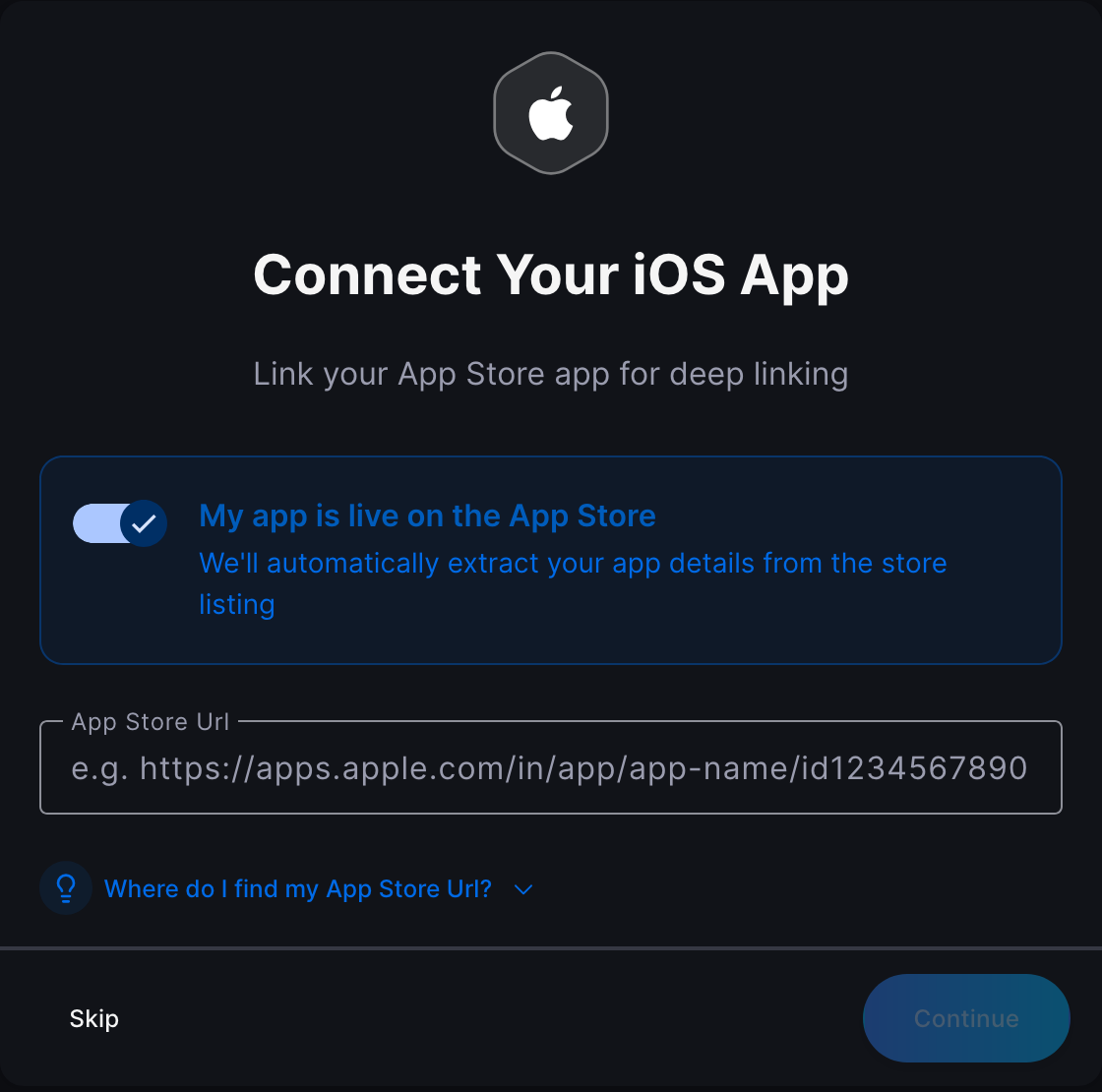
Step 5: Connect your iOS app (optional)
Link your App Store app for iOS deep linking. This enables ChottuLink to route users into your iOS app when possible.
You can connect iOS using either option:
- App Store URL (recommended): use this if your app is already live on the App Store.
- Bundle identifier (manual): use this if your app is not live yet (or you don’t have an App Store listing). Enter your bundle ID (e.g.
com.example.app).
For developer setup and verification, see iOS Integration.
Step 6: Confirm your web fallback URL
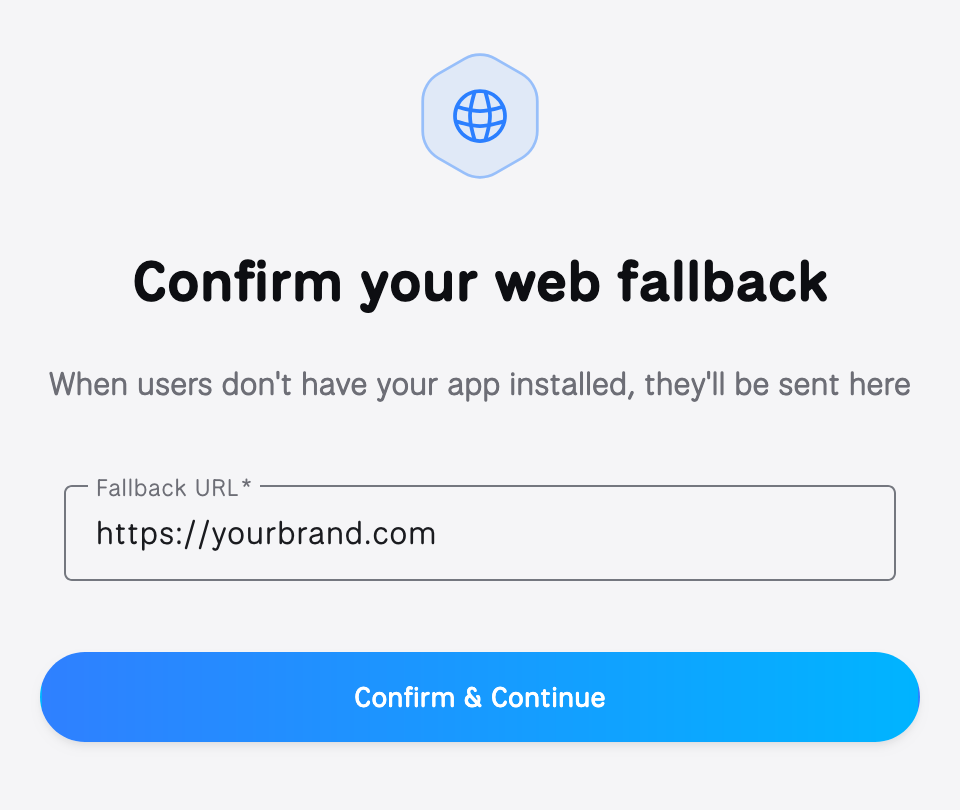
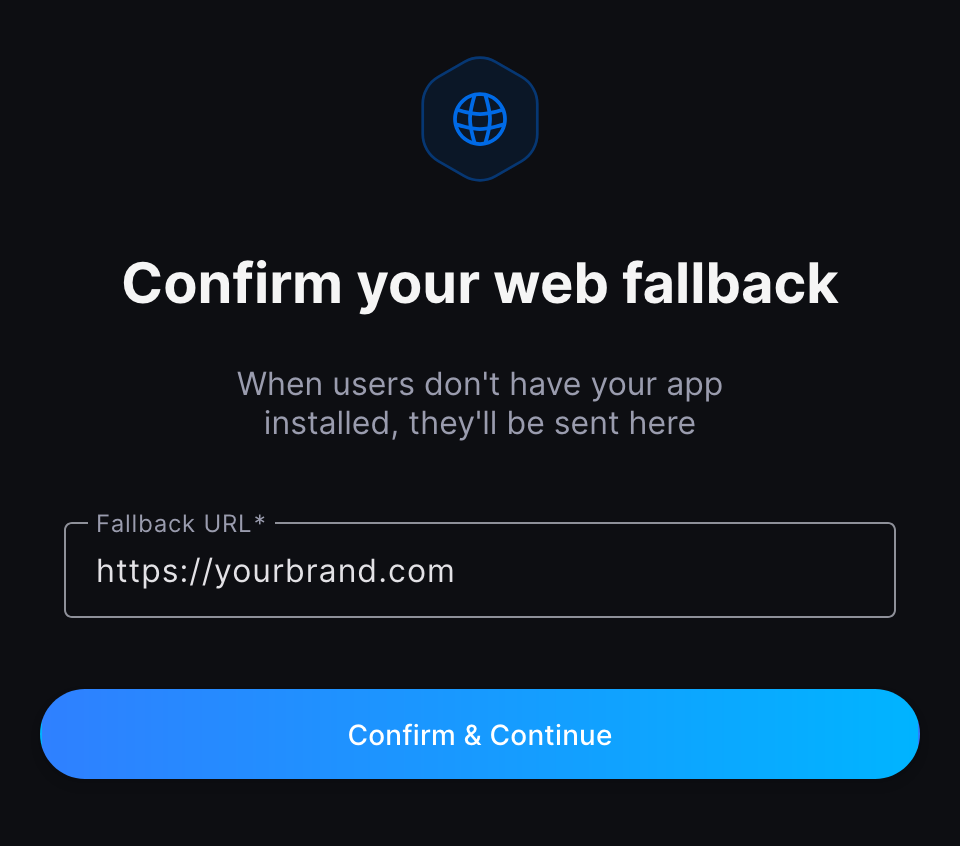
When users don’t have your app installed (or the app can’t open the link), they’ll be sent to your fallback URL.
- Fallback URL: typically your website, a campaign landing page, or an app store page
Next steps
-
Install and configure the SDK
-
Create your first link
-
Receive dynamic links in your app
Support
If you encounter any issues during the onboarding process:
- Contact us via in‑app support chat in the ChottuLink Dashboard.
- Contact support at help@chottulink.com