Webhooks
Use webhooks to receive HTTP notifications when selected events occur in your ChottuLink workspace.
What are webhooks?
A webhook is an HTTP request that ChottuLink sends to a URL you control whenever a subscribed event happens. Your server receives a JSON body describing the event and can trigger workflows, sync data to other systems, or record analytics—without polling ChottuLink.
For example, you might:
- Kick off an n8n or Make scenario when a new link is clicked (
link.clicked). - Forward click payloads to an analytics pipeline or warehouse in near real time for reporting or attribution.
- Notify a Slack channel (or another chat tool) when someone opens a tracked link—such as a pitch deck or campaign URL.
- Implement referral-style automation—for example updating credits or leaderboards when a downstream signup or lead event matches your program (using events like
lead.createdwhere applicable).
How ChottuLink uses webhooks
- Trigger-based notifications. Deliveries are driven by events you explicitly subscribe to when configuring the webhook (for example
link.created,lead.created). You only receive payloads for checked events. - Near real-time delivery. Events are sent shortly after they occur in the product; exact latency depends on infrastructure load and your endpoint response time.
Retries. Failed deliveries are retried automatically on a fixed schedule; see Retry behaviour. Persistently failing endpoints may be auto-disabled; see Endpoint auto-disabling.
Delivery format (envelope)
Every webhook delivery follows the same top-level structure. Your endpoint should expect an envelope with the event metadata and an event-specific payload.
{
  "eventId": "uuid",
  "eventType": "resource.action",
  "schemaVersion": 1,
  "timestamp": "ISO-8601 string",
  "payload": {}
}
For the complete field list and examples per event, see Event types and the individual event pages under /webhooks/events/....
How to create a webhook
Configure webhooks in the ChottuLink Dashboard:
- Open the Dashboard and go to Webhooks.
- Click Add webhook (or similar).
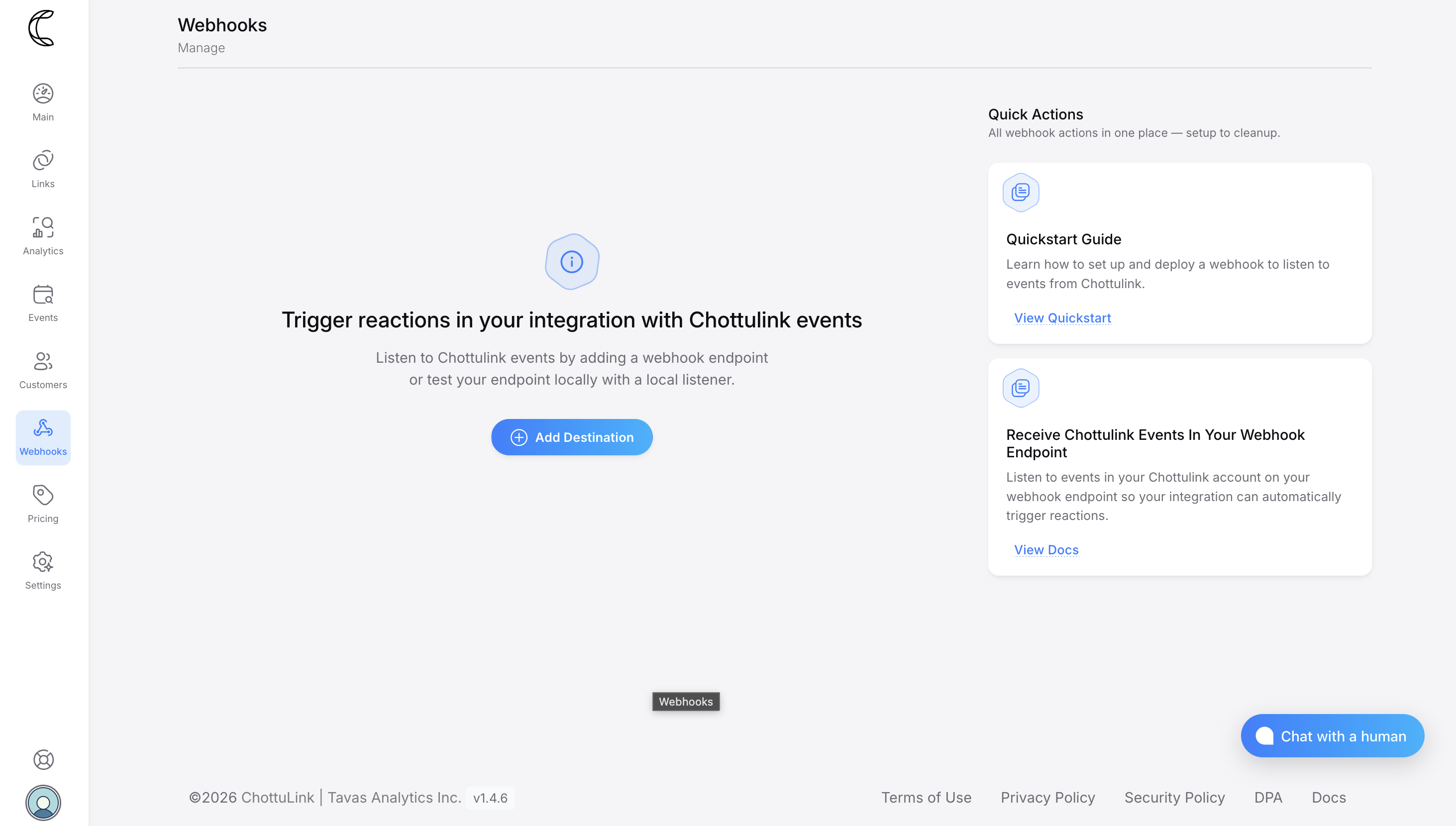
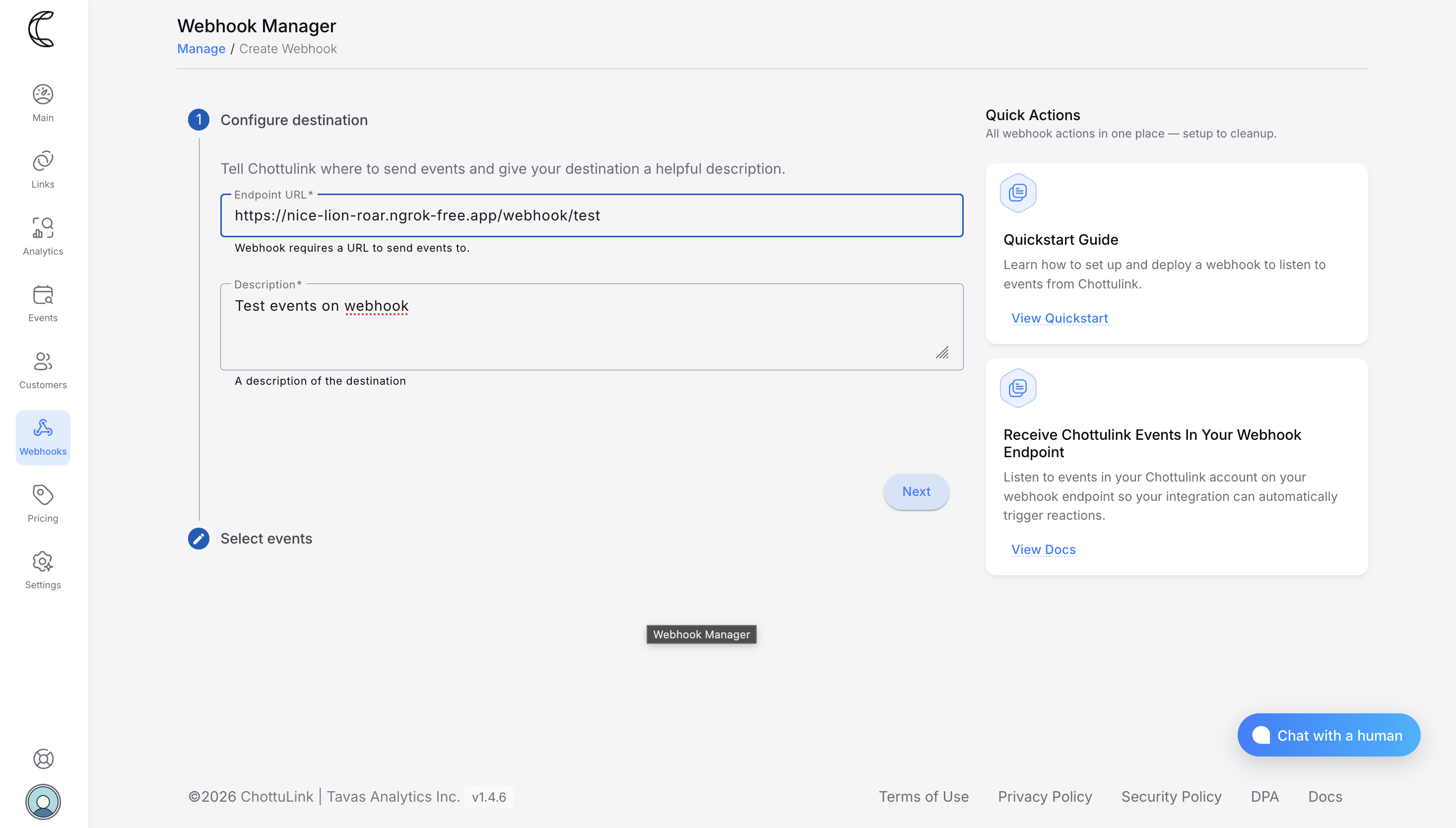
Step 1: Add destination
- URL — HTTPS endpoint that accepts
POSTrequests with a JSON body. - Description — Human-readable label so you can recognize this integration later.
Step 2: Select events
Choose which event types this destination should receive. Only selected events are sent to that URL; you can change the selection later when editing the webhook (“edit events”).
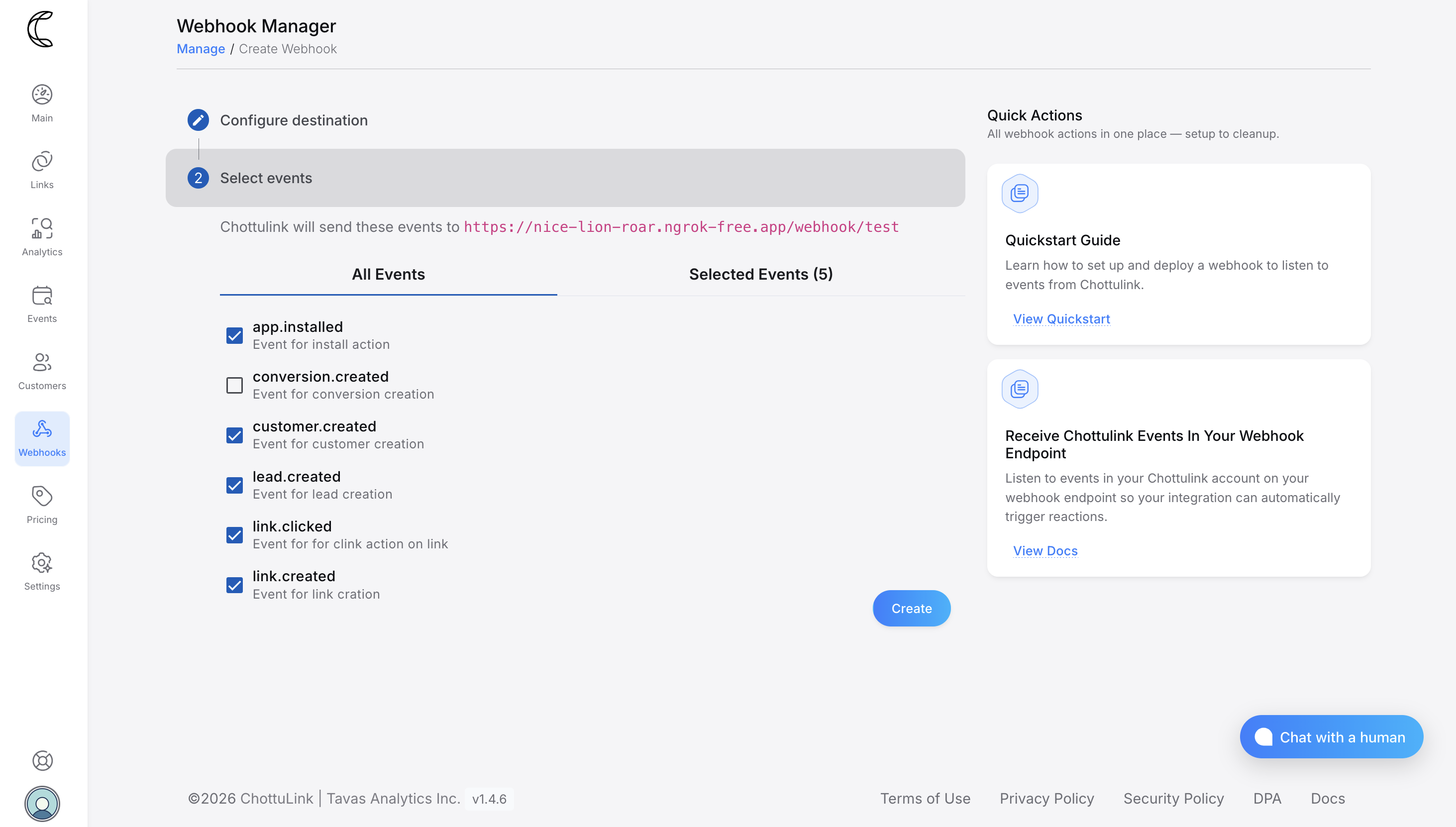
You can also update the destination (URL and description) after creation without recreating the webhook.
Retry behaviour
ChottuLink implements automatic retries for webhook deliveries to ensure that transient issues—such as brief network interruptions, endpoint restarts, or timeouts—do not result in lost events. While most deliveries succeed on the first attempt, retries are triggered when a delivery attempt does not complete successfully.
A delivery attempt is considered failed if your endpoint is unreachable, the connection cannot be established, the request times out, or your server responds with a non-2xx status code.
Automatic Retries
When a delivery attempt fails, ChottuLink automatically retries the same webhook according to a fixed schedule. No manual intervention is required for transient failures. Retries continue until the delivery succeeds or the maximum number of attempts is reached.
Each retry is initiated only after the previous attempt has failed.
Retry schedule
| Attempt | Delay after previous failure |
|---|---|
| 1 | Immediately (initial delivery) |
| 2 | 5 seconds |
| 3 | 5 minutes |
| 4 | 30 minutes |
| 5 | 2 hours |
| 6 | 5 hours |
| 7 | 10 hours |
| 8 | 10 hours (final attempt) |
Example. If a message fails the first three attempts but succeeds on the fourth, it would be delivered roughly 35 minutes and 5 seconds after the initial attempt.
Endpoint Auto-Disabling
To prevent unnecessary retries and conserve system resources, ChottuLink includes an automatic endpoint disabling mechanism.
If all delivery attempts to a webhook endpoint fail consistently over a period of 5 days, the endpoint is automatically disabled. This ensures that persistently failing or unreachable endpoints do not continue consuming resources.
Before disabling an endpoint, ChottuLink verifies that failures are not due to temporary issues. This includes requiring multiple failed delivery attempts within a 24-hour window, followed by continued failures over the 5-day period.
Once an endpoint is disabled:
- No further webhook deliveries are attempted to that endpoint.
- An operational webhook event (
endpoint.disabled) is sent to notify you.
You can re-enable the endpoint after resolving the underlying issue, allowing webhook deliveries to resume.